
National Clean Out Your Computer Day Guide
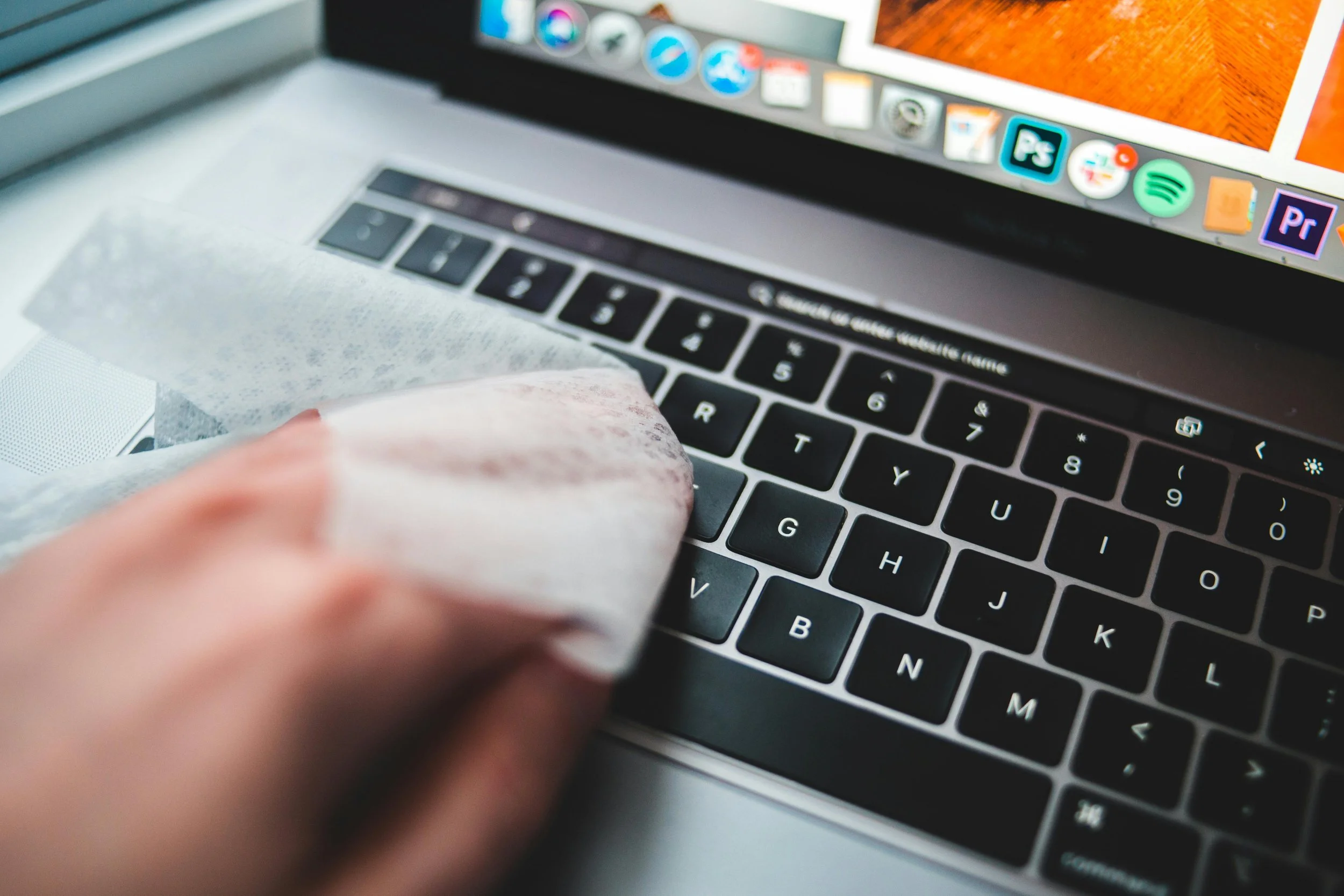
Cleaning Laptop
The second Monday in February is National Clean Out Your Computer Day, and Building Our Tech (BOT) is here to help guide you through the process. Your computer is your command center and the backbone of where you do all of your work. Whether you’re learning a new skill, connecting with others, or building your company, having an organized and clean workspace is important. A clean, organized, and backed-up computer can increase productivity and security, setting you up for success.
Whether you’re a founder, developer, designer, data analyst, or someone upskilling into tech, use these tips to ensure your computer receives the TLC it deserves.
Why Cleaning Out Your Computer Actually Matters
Before jumping into the guide, let’s talk about why cleaning out your computer matters.
1. Better performance, fewer headaches
Old files, numerous downloads, and unused apps slow your system down. Cleaning your computer can improve speed, free up storage, and reduce crashes, especially during high-stakes moments like demos or interviews.
2. Stronger security
Not only can cleaning your computer provide better performance, it can also keep your system safe. Outdated files and software can create vulnerabilities. Regular clean-ups on your system help protect sensitive data, credentials, and intellectual property.
3. Clearer thinking and productivity
Digital clutter is real and can be a hindrance to your productivity. An organized desktop and file system make it easier to focus, find what you need fast, and stay on track to meet your goals and deadlines.
4. Protection against data loss
Backups ensure your projects, portfolios, and work aren’t lost to hardware failure, theft, or accidents. One backup can save months (or years) of work.
Back Up Everything First!
Cleaning without backing up your files is risky. Before deleting anything important, use this guide to back up your files and system:
Use cloud backups
Google Drive, OneDrive, iCloud, or similar
Create a local backup
External hard drive or Solid State Drive (SSD)
Automate when possible
Set recurring backups so you don’t have to think about it
Usually found in your computer’s security settings or control panel
Protect your credentials
Use a password manager and enable multi-factor authentication
Digital Clean-Up Tips (Start Here)
Now that you’ve backed up your important files, use the guide below to clean up your system.
Delete what you don’t need
Old downloads, duplicate files, outdated resumes, unused screenshots
Uninstall unused apps and tools
If you haven’t used it in 6–12 months, it’s probably safe to remove
Organize your files
Create folders to organize your work (Projects, Event Photos, Resumes, etc.)
Use consistent naming conventions so files are searchable
Clean your desktop
Aim for zero loose files. Your desktop should be temporary, not storage
Clear your browser
Remove unused extensions
Bookmark intentionally
Close tabs you’ve been “saving for later” (if needed, bookmark those tabs)
Update your software
Operating Systems (OS) updates and app updates often include security and performance fixes
Physical Computer Cleaning Tips
Power down and unplug first
Wipe surfaces
Use a microfiber cloth for screens
Lightly dampen (never spray directly)
Clean the keyboard
Turn it upside down and gently shake
Use compressed air between keys
Disinfect high-touch areas
Use electronic safe wipes & wipe down your mouse, trackpad, keyboard, desk, etc.
Check ports and vents
Dust buildup can cause overheating and shorten your device’s lifespan
Use compressed air or wipe down the vents and fans
Make It a Habit (Not a Once-a-Year Thing)
Treat computer maintenance like professional hygiene and continue all year round:
Monthly mini clean-ups
Quarterly deep cleans
Ongoing backups
Whether you’re launching a startup, completing a certification, landing your next role, or scaling your impact in tech, these small routines support your bigger goals.
Clean computer. Clear mind. Stronger future.
Happy National Clean Out Your Computer Day 💻✨
